Reporting in Every Language Your Clients Read
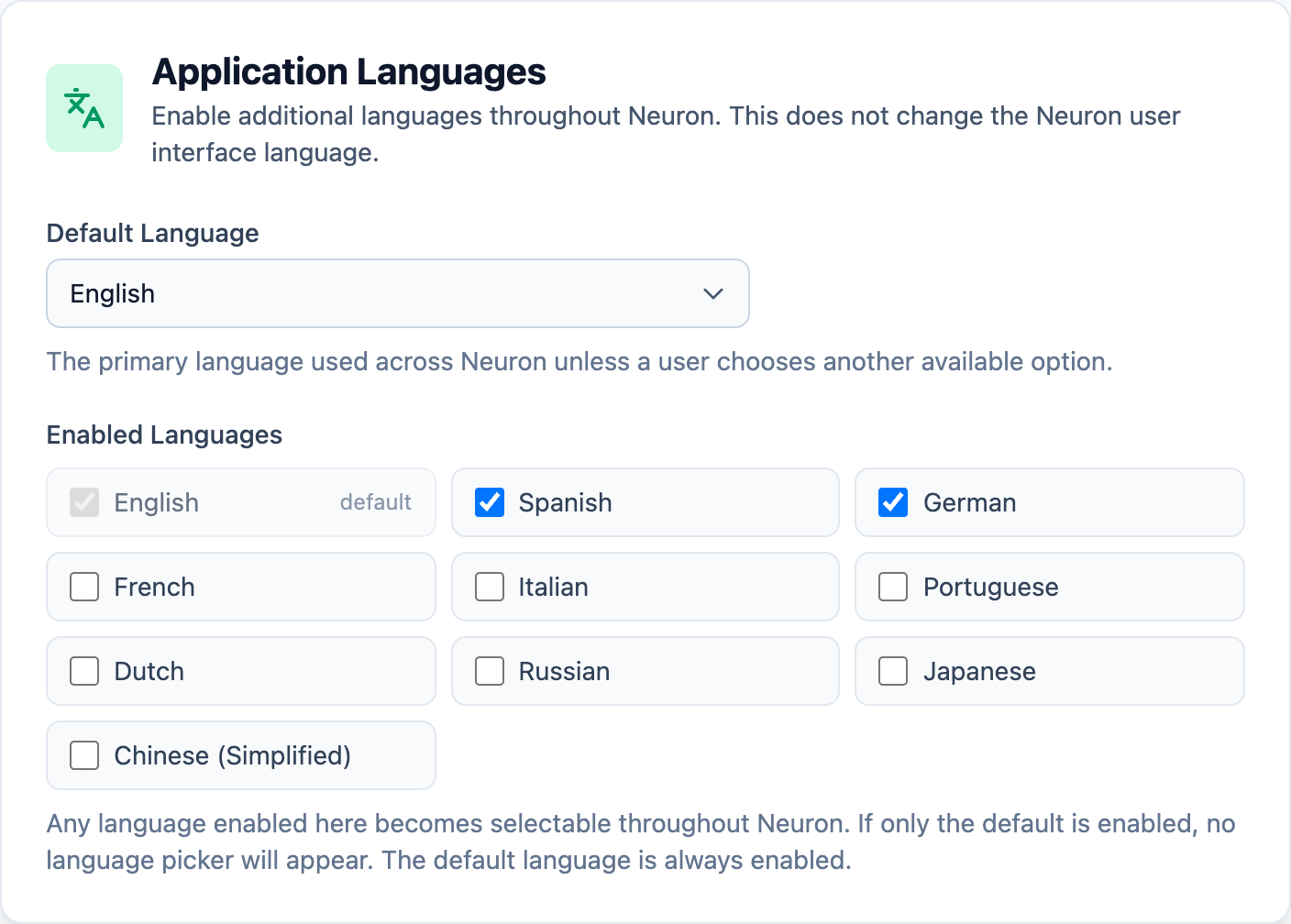
Your client in Madrid wants the report in Spanish. Your client in Munich wants it in German. Your team writes in English.
For most firms, that means a translation step bolted onto the end of every engagement: copying findings into documents, sending them out, waiting, and pasting the results back into a report template that was only ever built for one language. The library your team spent years refining stops helping the moment the language changes.
Neuron treats language as part of the engagement from the start.
Choose the Languages You Deliver In
Administrators enable the languages their team delivers in, from English, Spanish, German, French, Italian, Portuguese, Dutch, Russian, Japanese and Chinese (Simplified). Every engagement has a language, set when it’s created.
This is about your content, not Neuron’s interface. Your team works in Neuron as they always do. What changes is the language of the findings, briefs and reports your clients receive. If only one language is enabled, no language pickers appear at all.
A Library That Speaks More Than One Language
Each library finding can carry variants per assessment and per language. When a tester adds a finding from the library, they can filter by language, so a German engagement starts from German content. Saving a finding back to the library records its language, defaulting to the engagement’s.
Library imports and exports carry several languages per assessment, so multilingual content comes through without being flattened.
One Brief, Every Language
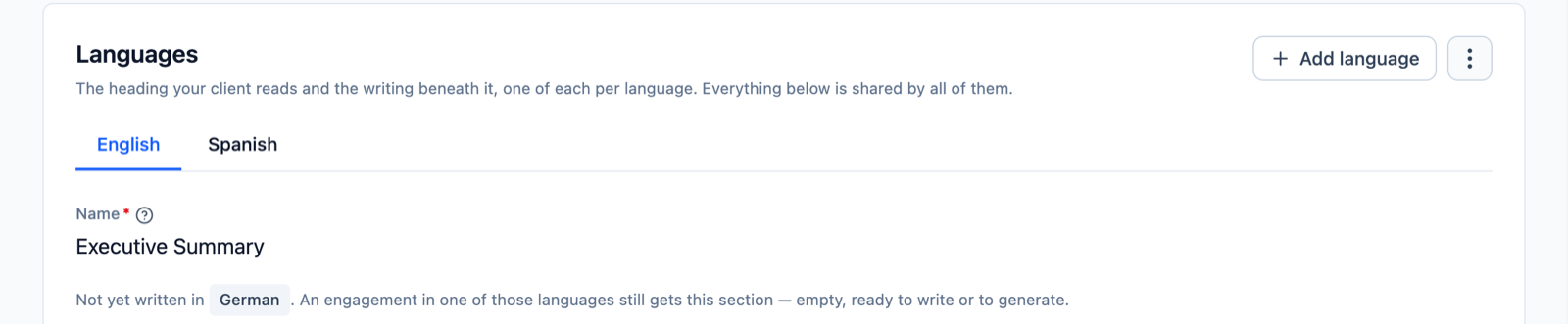
Reporting briefs, the executive summaries and narrative sections around your findings, hold one version per language under a single brief. Add a language, write it, and the brief serves every engagement in that language.
Your report templates refer to a brief by one key, whatever the language. An engagement simply receives the version written in its own language. If a brief hasn’t been written in that language yet, the engagement still gets the section, empty and ready to write or to generate. No broken templates and no missing headings.
Already have separate briefs for each language? Merge briefs combines them into one, and the merged brief keeps answering to the old keys, so existing templates keep working.
Templates Matched to the Engagement
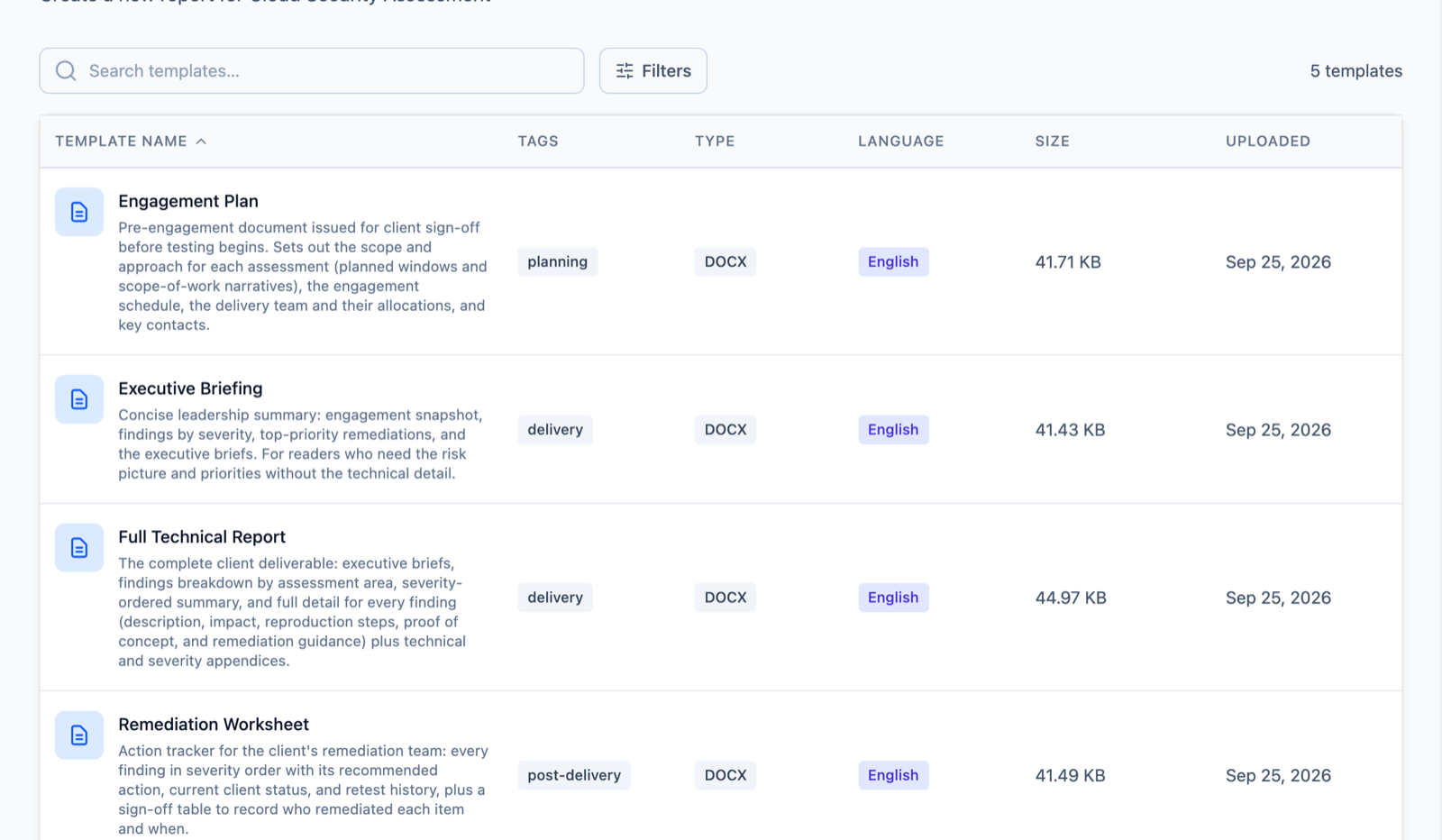
Every report template is tagged with a language. When it’s time to generate a report, filter the template picker by language and pick the right document the first time.
AI That Writes in the Right Language
When Neuron AI drafts a finding or a brief, it writes in the engagement’s language. The output language is set by the engagement, not by whoever happens to click the button.
A brief’s AI instructions are written once per section and the language is applied separately, so you don’t maintain a copy of every instruction in every language. Neuron AI can draft a section in a language your library hasn’t covered yet, ready for your team to review.
Because library matching works on meaning rather than wording, a draft can still find the right library finding even when the two are written in different languages.
What This Means for Your Team
Delivering in a client’s language stops being a separate project. Your library, your briefs and your templates carry their languages with them, and each engagement assembles the right version automatically. You can say yes to the client in Madrid and the client in Munich without building a second workflow for each.
If you’d like to see multi-language reporting in action, visit https://neuron.ws/demo (opens in a new tab)
Thanks for reading,
The PenTest.WS Development Team

See Neuron on your terms.
Tell us about your team and environment. We will show you Neuron running the way you would run it: on your infrastructure, under your control.